The Simple Summer Cooling Trick That Most People Miss


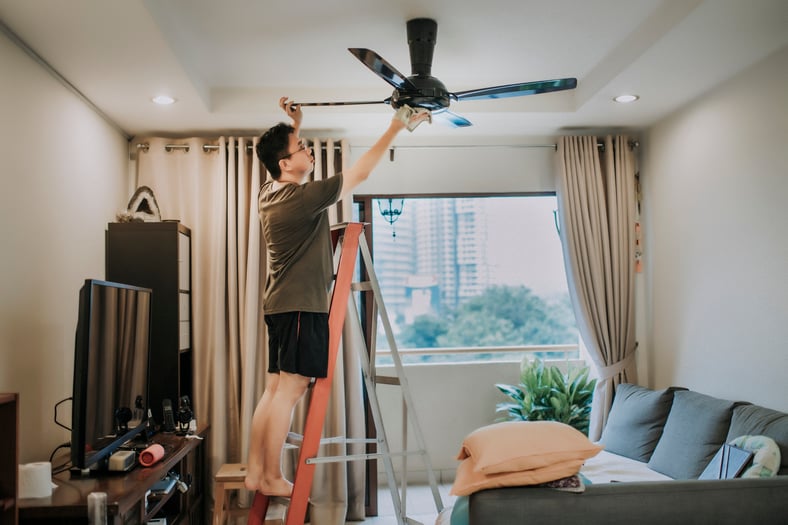
While Canadians love lounging around the pool or hitting the lake when the temperature ramps up, we can't spend every minute of the summer outside. Sheltering from extreme heat in our homes often leads to high energy bills as our air conditioning units struggle to keep us cool.
Is there a solution? Actually, yes. One tiny trick can make a big difference in keeping your home cooler on scorching summer days.
The trick: turn your fans to summer mode
Most of us, even if we do have air conditioning, also have a ceiling fan or two. Using AC and fans simultaneously can be a game changer.
“Combining fans and air conditioners can further reduce your energy bills,” Robin Librach, spokesperson for Natural Resources Canada, said in an email. “Setting your thermostat two degrees higher and using ceiling fans to circulate cool air can reduce your air conditioning costs by 14%.”
Some ceiling fans are programmed to automatically spin counterclockwise. If your ceiling fans spin clockwise, you’ll want to reverse them on warmer days and during summer months.
This is called “summer mode." Believe it or not, this simple switch helps keep you cooler.
Why use summer mode?
What's so different about this counterclockwise summer mode? According to Librach, it pushes air down to the floor, which is useful for keeping cool air down in the summer.
“When rotating it in the other direction, it pushes air up to the ceiling; this is useful for pulling cool air up in the winter (allowing for heat from heaters to fill the room underneath).”
The downward draft created by the counterclockwise rotation also feels like a cool, refreshing breeze. When this breeze hits your skin, it speeds up the evaporation of moisture which in turn will cool you down faster and keep you cool.
How to change your ceiling fan to summer mode
Nearly every ceiling fan has a summer mode option, but how you switch it to summer mode will vary depending on the type of fan. Here are some basic instructions for a few different models of ceiling fans:
Pull-chain fan
If you have a pull-chain fan, the first thing to do is observe which direction the fan blades are moving. If they are moving in a clockwise fashion, you’ll want to turn the fan off. Once the blades have stopped rotating you can safely check the body of the fan for a switch that will reverse the fan rotation direction.
Once you find the switch, slide it in the opposite direction and turn the fan back on. Your blades should now be rotating counterclockwise, which means you are in summer mode.
Remote control fan
For those with a remote control fan, observe your fan blades to see if they are moving clockwise. If so, turn off your fan so it comes to a complete stop. Then, press and hold the fan button on the remote control. The light on your handheld control should blink. This indicates the direction has been changed and you can turn your fan back on. Your fan should now be in summer mode.
Smart fans
Some smart fans are automatically set to switch into summer mode as soon as you switch your home to air conditioning. However, if this programming is not in place, you can change it yourself.
You can change a smart fan to summer mode by using:
The app that controls the fan.
A voice command.
The fan’s remote control.
If your home doesn’t have a ceiling fan, but you want to reap the benefits of using one in the summer, choose wisely.
“Ceiling fans that have earned the ENERGY STAR Most Efficient designation are the best of the best — they’ll save you more energy than standard models,” Librach said. “Saving energy saves money and reduces your carbon footprint. An ENERGY STAR certified ceiling fan with lights uses 60% less energy, on average, than a standard model.”
Search “Energy Star for Products” on Canada.ca to learn more about this certification, and how to choose an energy efficient ceiling fan.


DIVE EVEN DEEPER

 Beth Buczynski
 Kurt Woock

 Kurt Woock