How to use the mortgage calculator
To use our mortgage calculator, add your details to the following fields:
1. Home price: What you're hoping to spend on a home.
2. ZIP code: The home's location.
3. Down payment: How much cash you're paying upfront towards the home's price. This calculator defaults to showing a 20% down payment, but you can adjust it up or down by changing the dollar amount or the percentage. This calculator assumes you're using a conventional loan, so it will automatically add private mortgage insurance if the down payment amount is less than 20%. 4. Loan term: The default is 30 years, but you can also choose a shorter term.
5. Interest rate: Use today's average APR, enter the rate you've been quoted or use the lowest APR NerdWallet partners are offering today.
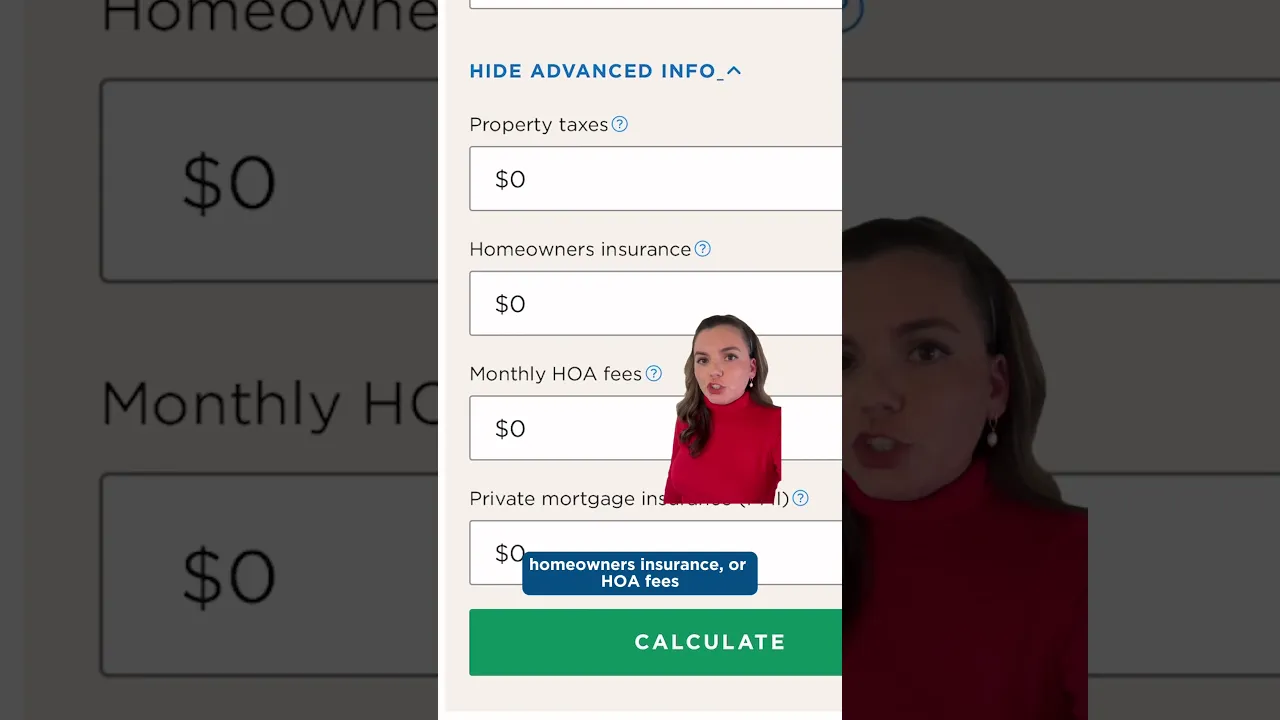
That's the least you can do. To get more accurate results, fill in the following four categories. (Estimates are fine, but this goes over how to get more specific numbers.)
6. Property taxes (per year): This is autofilled with an estimate, but property taxes vary tremendously throughout the country. Get more precise by looking up the tax rate where you're planning to buy or looking at the tax history for the home you're interested in. You can change the property tax amount by editing the dollar amount or the percentage.
7. Homeowners insurance (per year): Mortgage lenders require borrowers to have homeowners insurance. Not sure what you might pay? This calculator puts in an estimate, but you can use NerdWallet's home insurance calculator to fine-tune it. All you need to know is the property location and the rough amount you'd be looking to insure — use the home's price as a proxy. 8. HOA fees: If the home is part of a homeowners association, put the monthly dues here. (The calculator default is no HOA costs.) This is also information you can likely crib from a home's listing. One other note, if there are HOA fees but you're going to pay them directly rather than with an escrow account, you can omit them here. 9. PMI (monthly): If you've entered a down payment amount under 20%, this will autofill, since the calculator assumes you're using a conventional loan. PMI is tied to your credit score, so if you want a more accurate figure, pop over to NerdWallet's PMI calculator. If you're using a VA loan, you can zero this out, since VA loans do not require mortgage insurance. On the other hand, if you're getting an FHA loan, you'll have to pay mortgage insurance premiums regardless of your down payment amount. For more accurate payment info, use our FHA mortgage calculator. The calculator's results will update as you adjust the numbers in these fields. The results show you the monthly payment, as well as:
Loan amount: How much you're actually borrowing in principal.
Total interest paid: How much interest you will pay over the life of the mortgage if you keep it until its term ends. (Most people sell or refinance well before that point, but it's still interesting info.)
Payoff date: If you kept the same loan for its entire term, here's the month and year when you'd own the home free and clear.
There's also a simple annual amortization schedule. Amortization shows how your mortgage payment changes over time. Even though the principal and interest payment doesn't change with a fixed-rate mortgage, the percentage of that payment that's going toward each component does. At the beginning of the loan, more goes toward interest; the closer to the end of the loan's term, the more of the payment goes toward principal. If you want a more detailed month-by-month look, yes, NerdWallet has an amortization calculator, too.